Convert Wide Images to Mobile-Ready Images
Most visuals are designed wide—hero banners, desktop promos, slides, or landscape images. But when these are viewed on phones, they often feel cluttered, unreadable, or poorly structured.
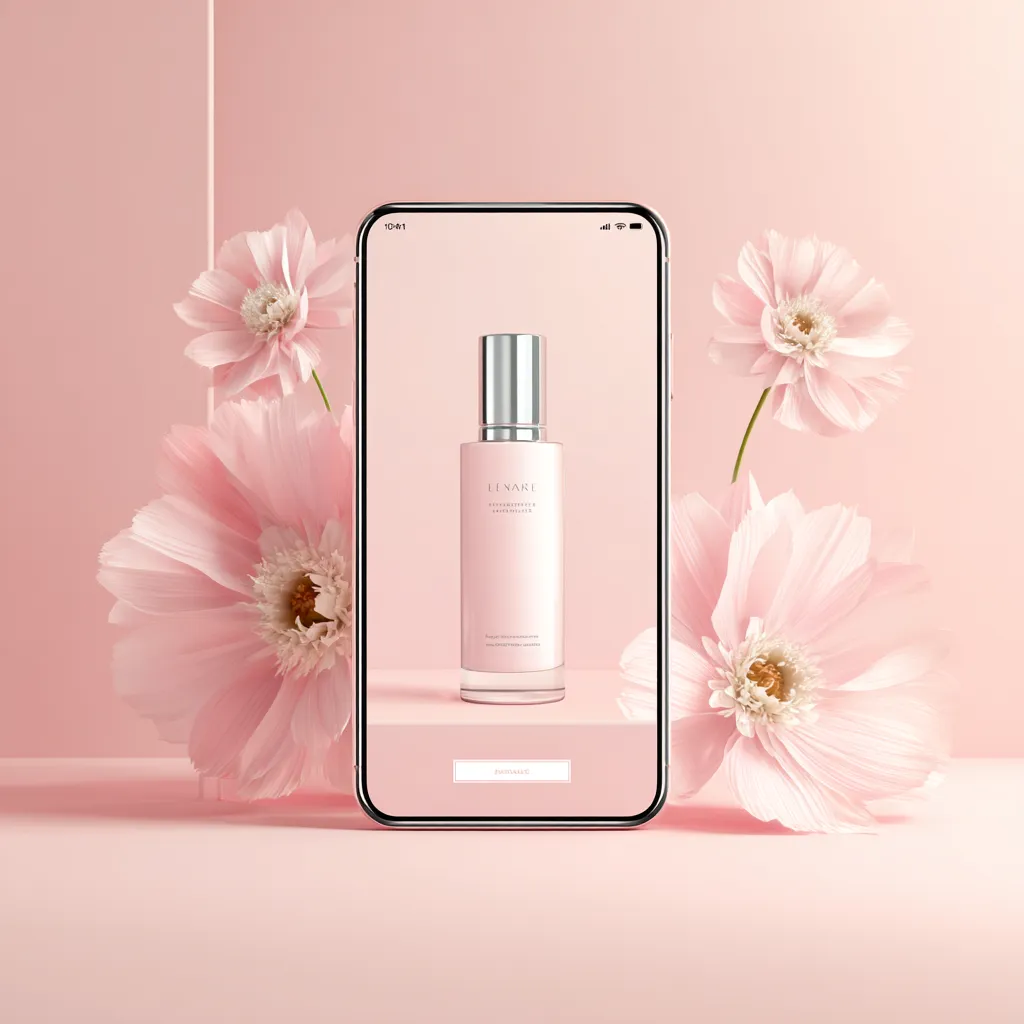
This Utility Prompt helps you adapt existing wide images into mobile-ready remember visuals. Instead of starting from scratch, you can simply describe the image you already have—or upload it—and let the AI reframe it for mobile viewing.
The prompt focuses on simplifying the layout, improving visual hierarchy, and ensuring clarity on small screens, so your visuals work where people actually see them: on their phones.
What This Prompt Helps You Do
- Convert wide or desktop-first images into mobile-ready visuals
- Improve readability and clarity on phone screens
- Simplify cluttered layouts into focused, vertical designs
- Emphasize one clear focal point for fast understanding
- Reuse the same prompt for many different images
Best Used On
- Primary platform: ChatGPT (supports image upload or description)
- Also works on: Midjourney (description-based), Gemini Image, DALL·E
What You’ll Get
- 1 professionally written Utility Prompt
- Supports image upload OR description-based input
- Paste-and-run format (no setup required)
- Real-world examples included
Most visuals are designed wide—hero banners, desktop promos, slides, or landscape images. But when these are viewed on phones, they often feel cluttered, unreadable, or poorly structured.
This Utility Prompt helps you adapt existing wide images into mobile-ready remember visuals. Instead of starting from scratch, you can simply describe the image you already have—or upload it—and let the AI reframe it for mobile viewing.
The prompt focuses on simplifying the layout, improving visual hierarchy, and ensuring clarity on small screens, so your visuals work where people actually see them: on their phones.
What This Prompt Helps You Do
- Convert wide or desktop-first images into mobile-ready visuals
- Improve readability and clarity on phone screens
- Simplify cluttered layouts into focused, vertical designs
- Emphasize one clear focal point for fast understanding
- Reuse the same prompt for many different images
Best Used On
- Primary platform: ChatGPT (supports image upload or description)
- Also works on: Midjourney (description-based), Gemini Image, DALL·E
What You’ll Get
- 1 professionally written Utility Prompt
- Supports image upload OR description-based input
- Paste-and-run format (no setup required)
- Real-world examples included
Original: $3.99
-70%$3.99
$1.20Description
Most visuals are designed wide—hero banners, desktop promos, slides, or landscape images. But when these are viewed on phones, they often feel cluttered, unreadable, or poorly structured.
This Utility Prompt helps you adapt existing wide images into mobile-ready remember visuals. Instead of starting from scratch, you can simply describe the image you already have—or upload it—and let the AI reframe it for mobile viewing.
The prompt focuses on simplifying the layout, improving visual hierarchy, and ensuring clarity on small screens, so your visuals work where people actually see them: on their phones.
What This Prompt Helps You Do
- Convert wide or desktop-first images into mobile-ready visuals
- Improve readability and clarity on phone screens
- Simplify cluttered layouts into focused, vertical designs
- Emphasize one clear focal point for fast understanding
- Reuse the same prompt for many different images
Best Used On
- Primary platform: ChatGPT (supports image upload or description)
- Also works on: Midjourney (description-based), Gemini Image, DALL·E
What You’ll Get
- 1 professionally written Utility Prompt
- Supports image upload OR description-based input
- Paste-and-run format (no setup required)
- Real-world examples included